
Release 3.19
Note: Feature availability varies by retailer program, channel, and advertiser access. See each section below for details, or contact your account manager for more information.
1. Meta Post Boost Ads
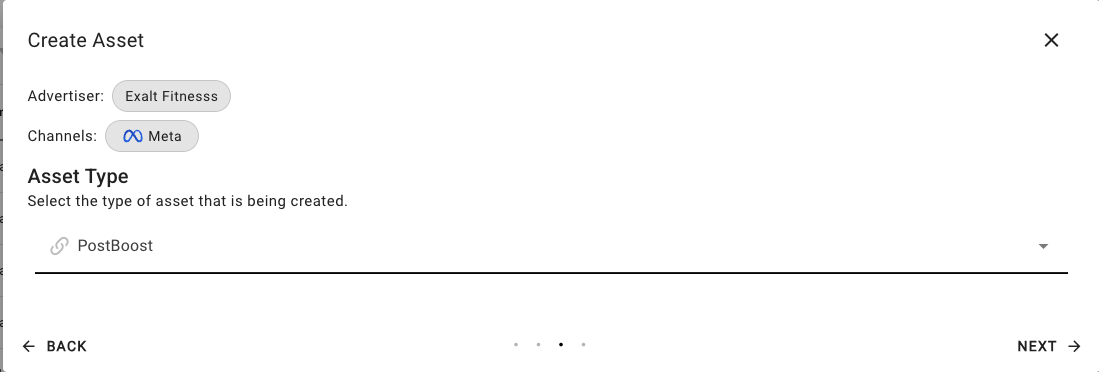
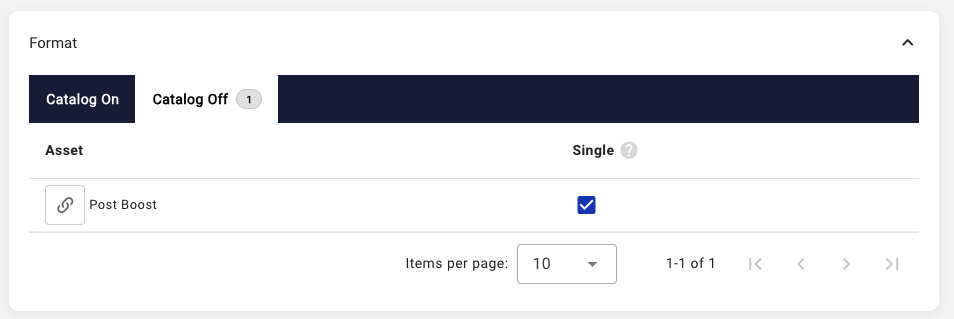
Post Boost ads are now available within the Meta campaign workflow, enabling advertisers to leverage existing organic retailer posts. To use this feature, a Post Boost asset must first be created in the retailer console using the post ID from the retailer’s organic post.
Once created, the asset can be selected as a Single ad format (non-catalog) within the campaign workflow.
2. Meta Comscore Market Geo-Targeting (US Only)
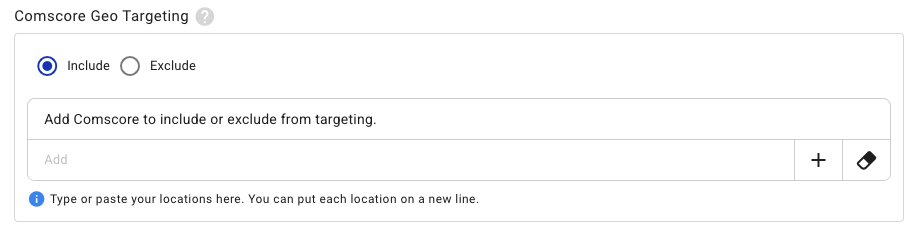
A new advanced geo-targeting option using Comscore Markets is now available for Meta campaigns. Markets can be included or excluded to refine targeting. This setting is enabled by default for retailers and is available to advertisers with the Advanced Geo-targeting access control enabled on their account. Find more information on Meta’s Comscore Market targeting here.
Note: This is available for US markets only.
3. YouTube Video Upload within Asset Creation
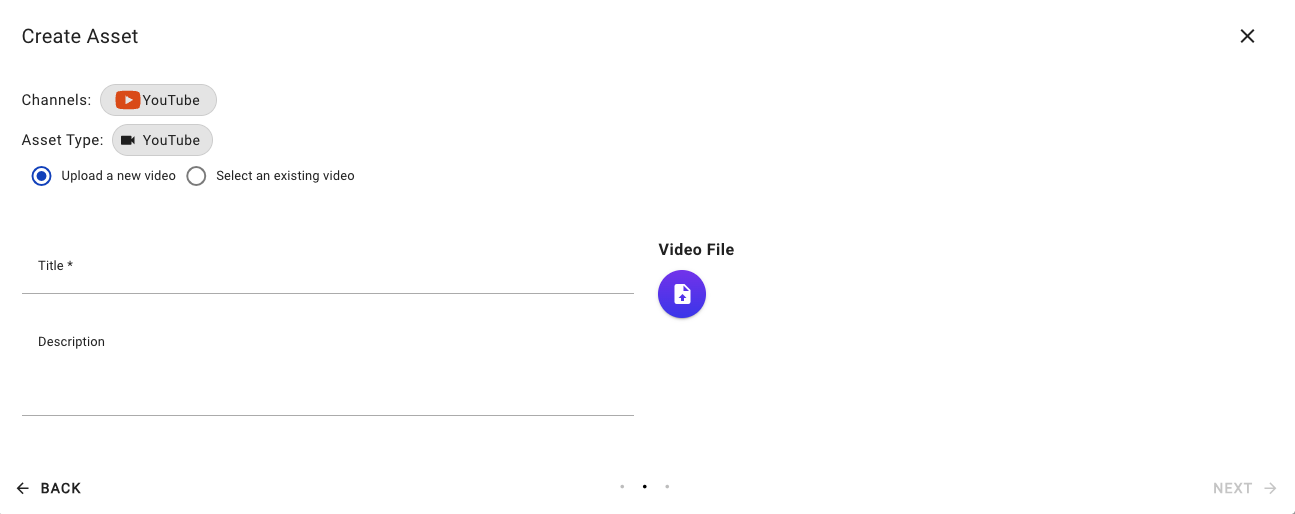
Asset creation for YouTube has been enhanced to allow for advertiser self-service video uploads to the retailer’s channel. Uploaded assets will follow the standard asset approval workflow prior to activation.
Note: This feature is available for opted-in retailers only. Please reach out to your account manager for more details.
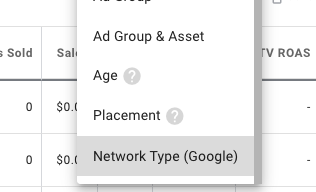
4. Campaigns Report - New Google Segment by Network Type
A new campaign reporting segment is available for Google and YouTube campaign types using Google’s Ad Network Type breakout. This segment is available to retailers and optionally available to advertisers with channel targeting access and Google or YouTube channel access.
5. Retailer Funded Campaigns
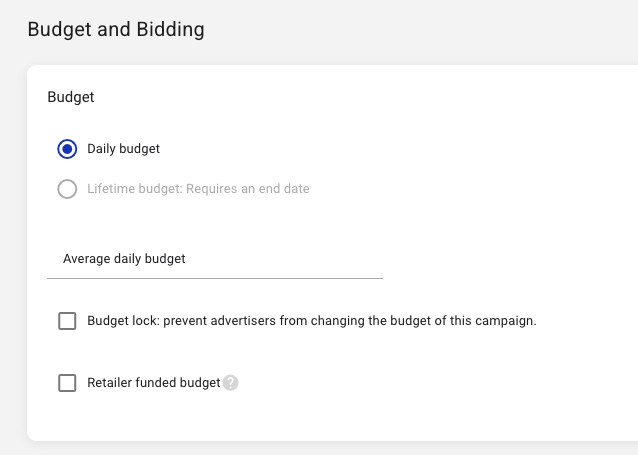
A retailer funded designation is available during retailer campaign creation to streamline retailer-led ad operations.
Retailer funded campaigns:
-
Can be created within the retailer console only
-
Are visible to advertisers with limited editing capabilities
-
Are exempt from margins, budget match, and collaborative bidding
Existing advertisers with a Retailer Funded billing type will have their existing campaigns transition to retailer funded campaigns as part of this rollout. Several new cost reporting columns have been added to the retailer Campaigns report.
6. Miscellaneous improvements and bug fixes, including but not exclusive of the following:
-
Update Bulk Product ID Search: Bulk searches of 6 or more product IDs within the product targeting module now use an exact match methodology.
-
Audience Manager - Audience Details Improvement: Audience channel details are now visible in a table view within the audience detail page and as an overlay within the audience table.
-
Retailer Document Center Navigation: A direct link off to the Symbiosys document center has been added to the retailer global navigation bar.
-
Advertiser Cost (Local Currency): A new reporting column is available on the retailer campaigns report to show the advertiser’s cost financial amount in the localized currency.
We are continually deploying improvements between major releases.